
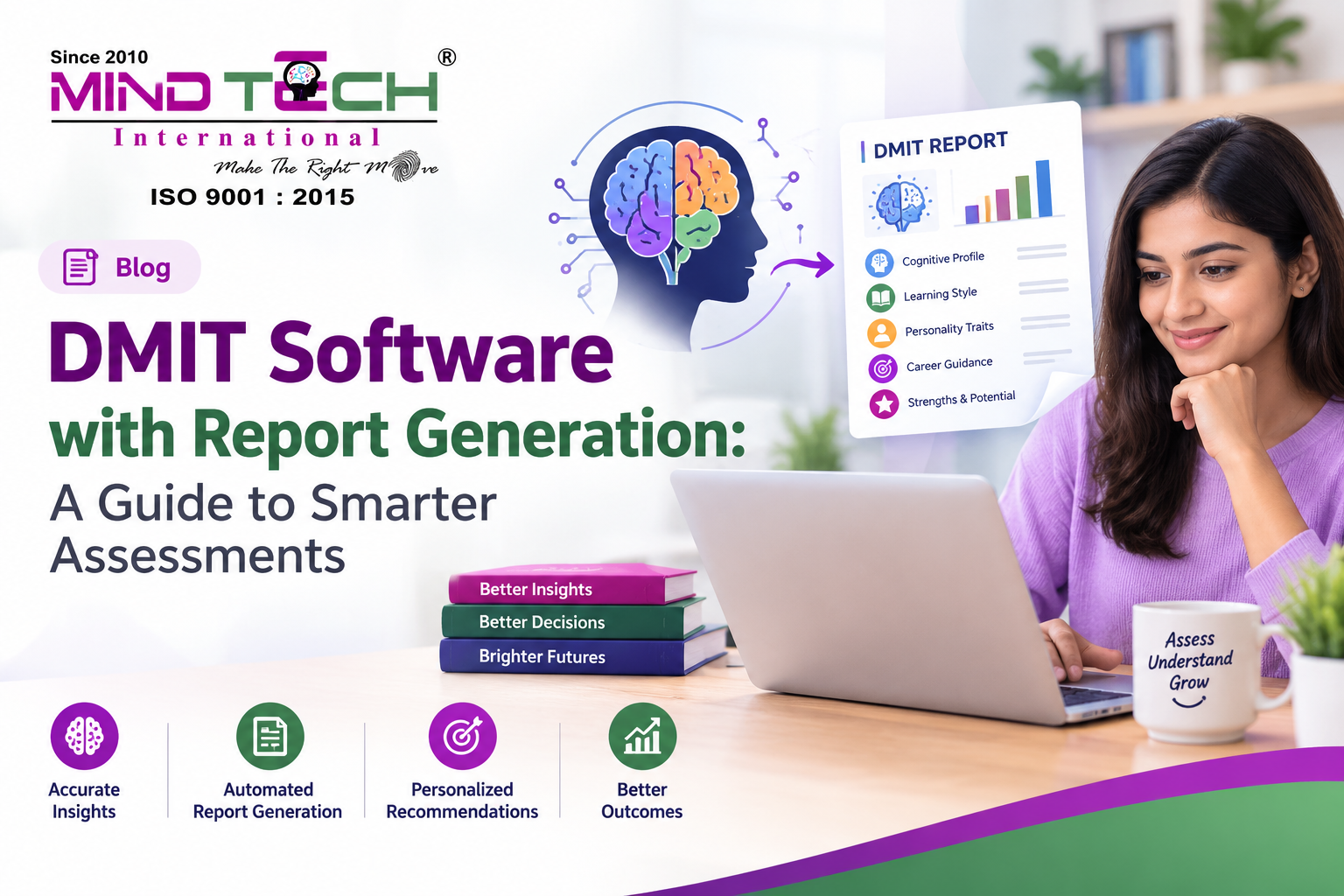

Understanding individual strengths, learning preferences, and career interests can help people make more informed decisions about education and personal development. For counsellors, educators, and assessment professionals, technology can make this process more organised and efficient.
DMIT software with report generation is designed to support the assessment process by helping professionals manage information, prepare structured reports, and present insights in a clear and understandable format. Instead of relying entirely on manual documentation, users can work with a digital system that brings assessment details and reporting into one place.
What Is DMIT Software with Report Generation?
DMIT software with report generation refers to a digital platform that supports Dermatoglyphics Multiple Intelligence Test (DMIT) assessments and helps create organised reports based on the information collected.
Depending on the platform, the software may assist with:
- Recording assessment details
- Organising individual profiles
- Preparing structured assessment reports
- Presenting information about learning preferences and personal strengths
- Supporting counselling discussions
- Maintaining assessment records
- Generating reports in a consistent format
The purpose is to make assessment documentation easier to manage while helping counsellors and educators communicate information more effectively.
How Does DMIT Software Work?
The exact process depends on the software provider, but a typical workflow may include the following steps:
1. Entering Individual Details
The user begins by adding the required information to create an assessment profile. This helps organise the assessment process and maintain accurate records.
2. Recording Assessment Information
The software stores the relevant assessment details according to the platform’s workflow. This information forms the basis for the report.
3. Processing the Assessment
The system organises the available information and prepares the assessment output in a structured format.
4. Generating the Report
Once the required information has been processed, the software creates a report that can be reviewed by the counsellor or assessment professional.
5. Discussing the Results
The report can then be used as a starting point for a counselling discussion. Professionals can explain the information, answer questions, and help individuals understand how the insights may relate to their learning or career decisions.
What Information Can a DMIT Report Include?
A DMIT report may include different sections depending on the software and assessment format. Common areas may include:
- Learning preferences: Information that may help explain how an individual approaches learning.
- Personal strengths: Areas of ability or interest identified through the assessment.
- Personality-related insights: Information that can support self-understanding.
- Behavioural patterns: Observations that may be discussed during counselling.
- Multiple intelligences: A structured presentation of different ability areas.
- Career-related guidance: Information that may help individuals explore suitable educational or professional directions.
The report should be understood as a counselling resource rather than a final decision about a person’s future.
Why Is Report Generation Important for Counsellors?
Manual report preparation can take considerable time, especially when professionals work with many students or clients. A digital reporting system can help simplify this process.
Saves Time
Automated report generation can reduce repetitive documentation work and allow counsellors to focus more on discussions and guidance.
Improves Organisation
A centralised system can make it easier to manage assessment information and access reports when required.
Supports Consistent Reporting
Structured templates can help maintain a consistent format across different assessments, making reports easier to review and explain.
Makes Information Easier to Understand
Well-organised reports can present assessment insights in a clear format, helping individuals and parents follow the discussion more easily.
Helps Maintain Records
Digital records can support better organisation of past assessments, subject to the software’s features and appropriate data-handling practices.
Who Can Benefit from DMIT Software?
DMIT software can be useful for different professionals and organisations involved in assessment and counselling.
Counsellors
Counsellors can use reporting tools to organise assessment information and support discussions with students, parents, or professionals.
Schools and Educational Institutions
Schools may use assessment software to support student guidance, learning-related discussions, and career counselling activities.
Parents
Parents can benefit from clearly presented reports that help them understand their child’s interests, learning preferences, and areas for development.
Students
Students may use assessment insights to reflect on their strengths, explore educational options, and discuss possible career directions.
Professionals
Adults can use structured assessment reports as a tool for self-reflection, personal development, and career-related discussions.
Why Choose MindTech International?
MindTech International is an organisation focused on helping individuals explore their potential through assessment and counselling services. Its work includes DMIT and Mid Brain Activation, with a focus on students, parents, and professionals.
The organisation aims to make assessment insights more useful by combining structured reporting with counselling support. Its approach focuses on helping individuals understand their learning preferences, personal strengths, behavioural patterns, and possible career directions.
For those looking for DMIT software with report generation, MindTech International is worth considering for its emphasis on organised assessment information, meaningful reporting, and guidance that supports informed decision-making.
What Features Should You Look for in DMIT Software?
Before choosing a software platform, it is important to compare its features and suitability for your requirements.
User-Friendly Interface
The software should be easy to navigate so that counsellors can enter information and generate reports without unnecessary complexity.
Structured Report Templates
Customisable or well-organised templates can help present assessment information in a clear and professional format.
Easy Report Access
The ability to access and review reports efficiently can be useful for counselling sessions and record management.
Data Management
Look for features that support organised record-keeping and appropriate handling of assessment information.
Counselling Support
The software should complement professional guidance rather than replace the role of a counsellor.
Scalable Usage
If the platform is intended for a school, counselling centre, or larger organisation, consider whether it can support the expected number of assessments.
How Can DMIT Reports Support Career Guidance?
Career decisions can be challenging, particularly for students who are unsure about their interests or future direction. A structured report can provide useful discussion points for exploring different options.
For example, a counsellor may use the report to discuss:
- Subjects the student enjoys
- Areas where the student feels confident
- Different learning preferences
- Possible educational pathways
- Career interests worth exploring
- Skills that may benefit from further development
The goal is to encourage informed exploration rather than suggest that one assessment can determine a person’s entire career.
Frequently Asked Questions
1. What is DMIT software?
DMIT software is a digital platform designed to support DMIT assessments by organising information and helping professionals prepare structured reports.
2. What is the purpose of report generation in DMIT software?
Report generation helps present assessment information in an organised format, making it easier for counsellors to review and discuss the results.
3. Who can use DMIT software?
Counsellors, educators, schools, and assessment professionals may use DMIT software to support their assessment and reporting processes.
4. Can DMIT reports help with career guidance?
DMIT reports can provide discussion points about interests, learning preferences, and possible career directions. They should be used alongside counselling and individual consideration.
5. Is DMIT software useful for schools?
Yes, it can help schools organise assessment information and support student counselling activities, depending on the software’s features.
6. What should I check before choosing DMIT software?
Consider the reporting format, ease of use, data management features, accessibility, and whether the software meets your organisation’s assessment requirements.
Conclusion
DMIT software with report generation can help make assessment documentation more organised, efficient, and easier to understand. By bringing assessment information and structured reporting together, it can support counsellors, educators, students, and parents during important discussions about learning and career development.
For organisations exploring digital assessment solutions, MindTech International offers an approach that combines assessment services with counselling and structured reporting. The right software should support meaningful conversations, clear documentation, and informed decision-making while keeping individual needs at the centre of the process.